
Seagate Gaming — PC, PlayStation & Xbox
Seagate gaming hard drives and SSDs
Authorized Reseller · Best Pricing · Expert Guidance
Discover Seagate gaming SSDs and hard drives designed for PlayStation, Xbox and PC, and elevate your gaming experience.
FireCuda X Vault reaches 20TB for a complete game library
Purpose-built and officially licensed storage across all three
Modern games range from 20GB to over 100GB each
Quicker data retrieval for shorter loads and smoother gameplay
Why does gaming storage matter?
Discover Seagate gaming SSDs and hard drives designed for PlayStation, Xbox and PC, and elevate your gaming experience. Enjoy faster load times, smoother gameplay and ample storage for all your favorite titles. Transform your gaming rig or console with the industry’s leading gaming hard drives and SSDs.
SSDs offer quicker data retrieval and transfer rates compared to hard drives. This means shorter load times, quicker game startups and smoother gameplay with minimal lag. Gamers using external or internal SSDs will notice a more responsive system, crucial for fast-paced games and seamless transitions between levels.
How much you need depends on your library. Modern games can range from 20GB to over 100GB each, so for a comfortable experience consider at least 1TB of storage. That allows room for multiple large games, updates, downloadable content and other files. If you plan to store a substantial number of games and other media, opting for 2TB or more provides the extra space needed to avoid frequent storage management.
Explore Seagate gaming hard drives and SSDs for faster load times, increased storage, superior reliability and robust support, for optimal gaming experience and long-term peace of mind.
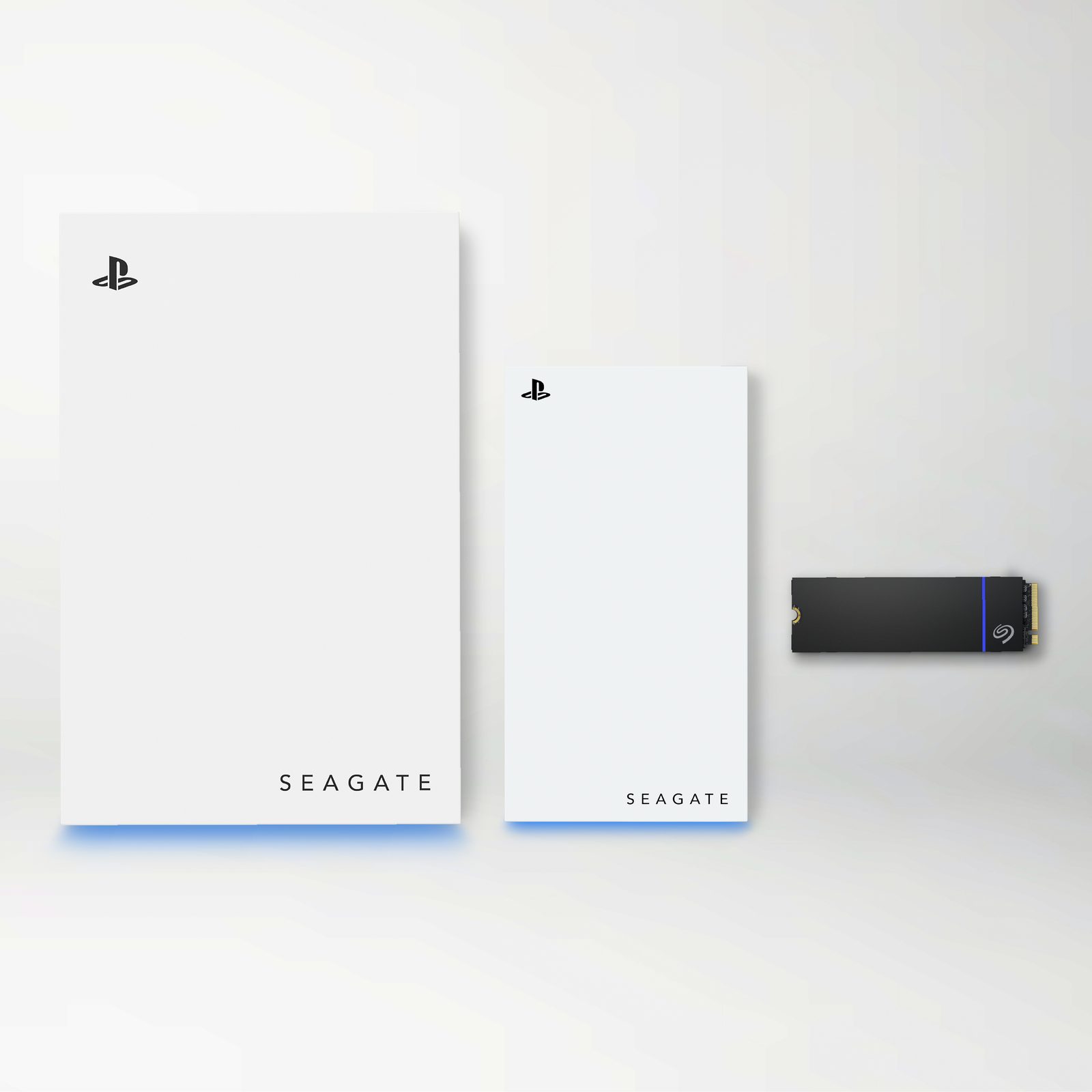
What types of gaming drives are there?
The right gaming drive is the one optimized for your setup, storage needs and performance preferences. Here’s a breakdown of each drive type to help you make the best choice.
Internal NVMe SSD
The fastest option, installed inside a PC or a PS5 expansion slot. The PlayStation® 5 supports NVMe SSDs with specific size and speed requirements, so a heatsink model is usually needed.
External Portable Drive
Plug-and-play capacity that moves between machines. Ideal for storing and offloading titles you aren’t currently playing, on both console and PC.
Storage Expansion Card
For Xbox Series X|S, an official card slots straight into the back of the console and runs games at full internal speed, with no configuration.
Gaming Dock
A desktop hub that combines mass storage with connectivity — extra ports, card readers and RGB lighting for a single-cable PC gaming setup.
Which Seagate gaming drives suit PlayStation, Xbox or PC?
Every gaming drive we supply as an authorized Seagate reseller, grouped by platform.
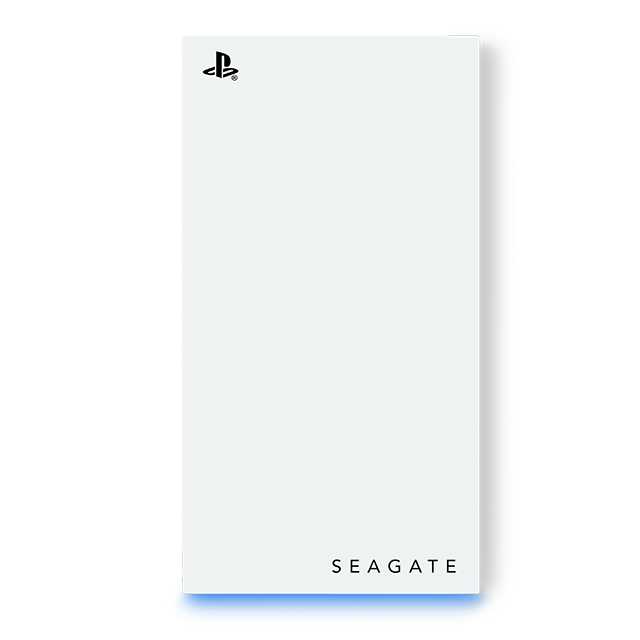
Officially licensed and high-speed heatsink M.2 NVMe SSDs for PS5 and PS4, plus limited-edition Game Drives.
Learn more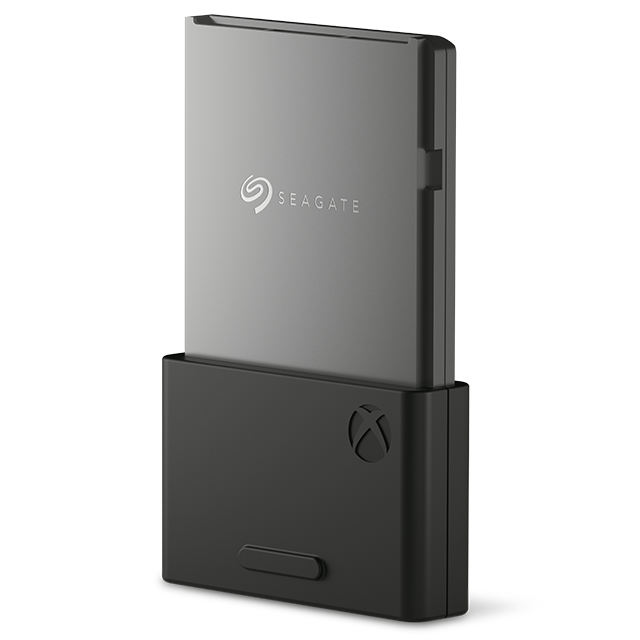
Official Xbox Storage Expansion Cards, Game Drive SSDs and Starfield Special Edition drives.
Learn more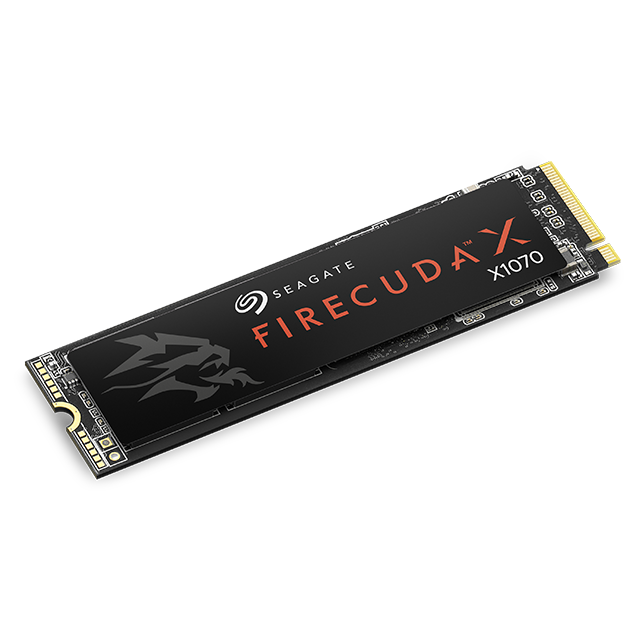
Elite PC gaming SSDs, the FireCuda X Vault, external RGB docks and Genshin Impact editions.
Learn more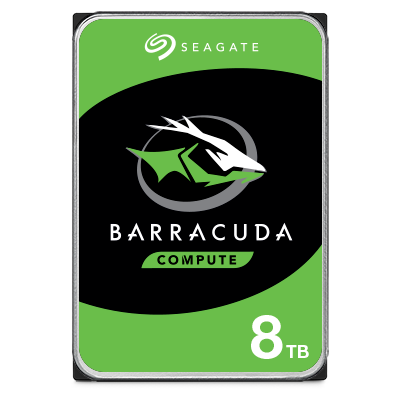
High-capacity internal SATA storage for a gaming rig’s bulk library, up to 24TB.
Learn moreThe Seagate gaming line-up by platform
Drives grouped by the platform they were built for.
How do you pick the right drive for a console or gaming PC?
How to pick the right drive for your rig or console.
Seagate gaming SSD and hard drive FAQs
Performance, capacity, compatibility and installation answers for Seagate gaming storage.
SSDs offer quicker data retrieval and transfer rates compared to hard drives. This means shorter load times, quicker game startups and smoother gameplay with minimal lag. Gamers using external or internal SSDs will notice a more responsive system, crucial for fast-paced games and seamless transitions between levels.
It depends on your current game library size and plans for future growth. Modern games can range from 20GB to over 100GB each. For a comfortable experience, consider at least 1TB of storage. This allows room for multiple large games, updates, downloadable content and other files. If you plan to store a substantial number of games and other media, opting for 2TB or more can provide the extra space needed to avoid frequent storage management.
No. Compatibility depends on the interface (SATA, NVMe) and form factor (2.5-inch, M.2). Most PCs can accommodate a wide range of drives, but gaming consoles have specific requirements. For example, the PlayStation® 5 supports NVMe SSDs with specific size and speed requirements, while older consoles like the PlayStation 4 and Xbox® One typically use 2.5-inch SATA drives. Always check the device specifications to ensure compatibility before purchasing a drive.
Seagate gaming hard drives and SSDs are designed for longevity and durability, often lasting several years even with intensive use. With advanced technology and robust construction, Seagate ensures reliable performance and data protection throughout the lifespan of its drives. Many Seagate drives come with extensive warranties, reflecting Seagate's confidence in the product's durability.
Installing a new gaming drive might seem daunting, but with the right steps and tools it’s straightforward. Before you begin, back up any important data to avoid loss during installation. Use a Phillips head screwdriver to remove the screws and open the case of your PC or console — for consoles, refer to the manufacturer information regarding how to access the drive bay. Identify the drive bay where you’ll install the new drive and ensure it’s firmly in place to avoid movement or damage.
Yes. BlueAlly (DiskDataWorks.com) is an authorized Seagate reseller across the gaming portfolio, including FireCuda, Game Drive and the officially licensed console products. Buying from a reputable authorized source guarantees authenticity and warranty coverage.
Our specialists will confirm console or PC compatibility and quote authorized-reseller pricing. Call 844-356-5142 or request a quote online.
Buy Seagate gaming storage from an authorized reseller
Our specialists will confirm compatibility with your console or PC and quote authorized-reseller pricing on Seagate gaming storage.
Console and PC compatibility verification
Capacity sizing for your game library
Interface and form-factor check (NVMe, SATA, M.2)
Authorized-reseller pricing with full warranty coverage
Talk to an Expert
with a BlueAlly Solution Architect